

Software Upgrade Process for Electronic Universal Testing Machine
1. When upgrading the software system, disconnect the computer from the testing machine, then open the computer and copy the software package to the desktop.
2. Extract the compressed package and double-click the file with the .exe extension. You will then see the software upgrade prompt box.
3. Click the "Confirm" button to proceed with the upgrade, or click "Cancel" to exit. Here, we click the "Confirm" button.
4. At this point, simply click "Next" to complete the entire upgrade process. The operation is very straightforward.
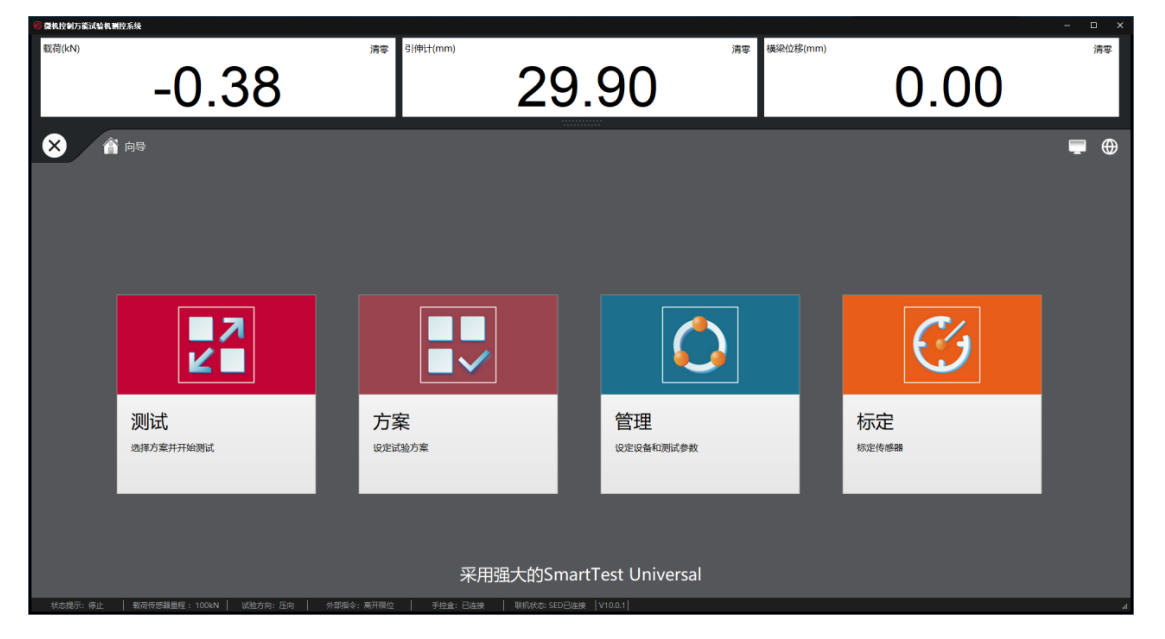
5. After the electronic universal testing machine system upgrade, reopen the software to check if the newly added functions (such as tensile data, compression data, force value analysis, etc.) are displayed correctly.
6. If the installation is successful, first shut down the computer, connect the tensile machine to the computer, and then restart the computer. At this point, you can proceed with tensile testing on materials.
